
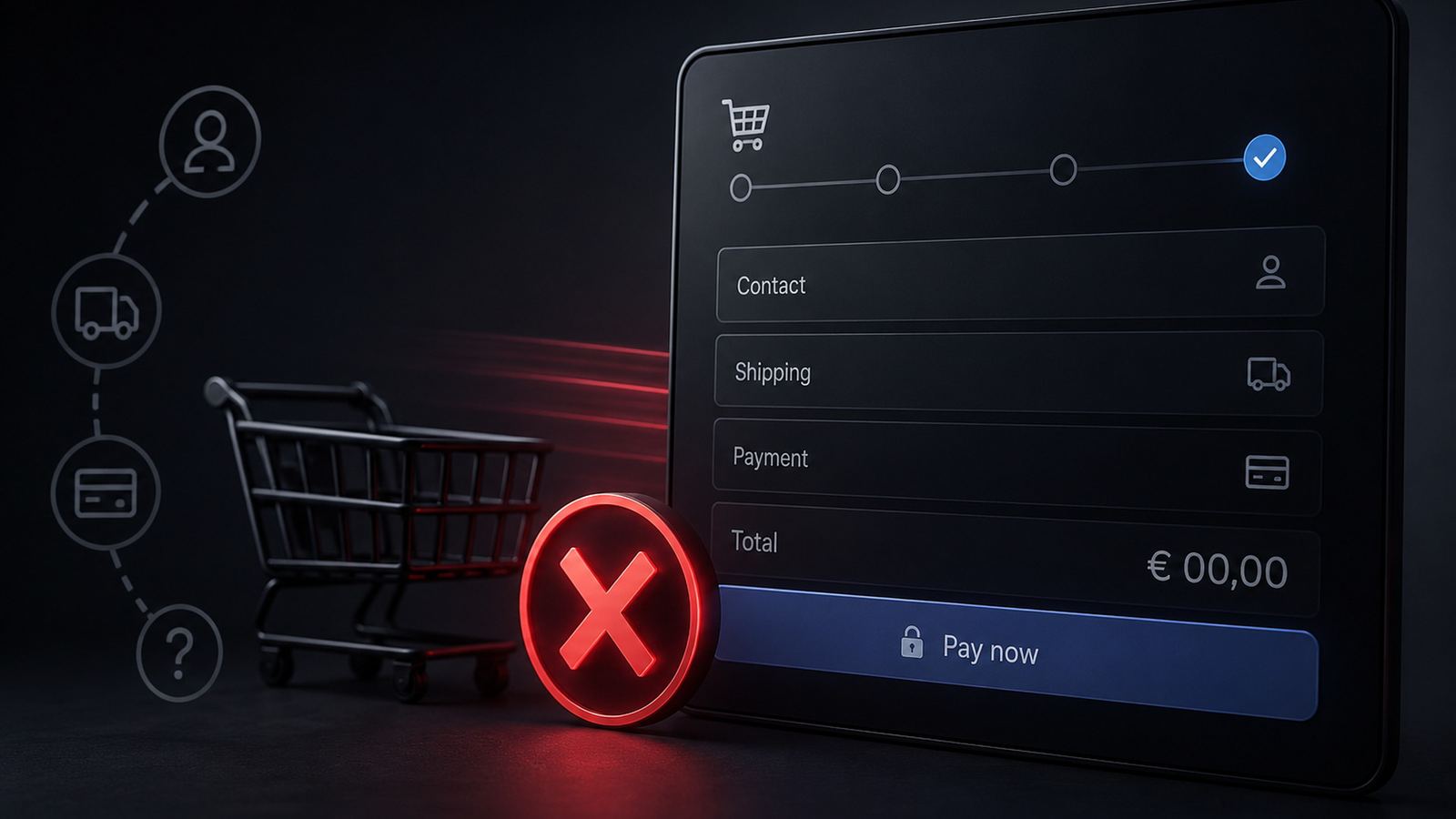
The checkout is the most critical phase of the entire customer journey. The customer has chosen the right product, accepted the price, and is ready to buy. What can still stop them now is no longer a question of content-related doubts, but pure process friction. This is exactly where most online shops lose a significant share of their potential revenue, often without even noticing.
1. Mandatory registration: the number one conversion killer
Online shops that force customers to create an account before making a purchase lose a measurable share of purchase intent. Especially for first-time buyers, the psychological barrier is high: entering an email address, creating a password, waiting for a confirmation email, entering login details. It feels like work, not like a quick purchase.
Guest checkout should therefore always be the most prominent option. Account creation can be offered on the thank-you page after the purchase has been completed, once trust has already been established.
2. Calculated disappointment: hidden shipping costs
When customers only find out in the final checkout step that additional shipping costs apply, a large share will abandon the process. From the user’s perspective, this can feel almost like a breach of trust.
Shipping costs should be communicated transparently: directly on the product page, clearly visible in the shopping cart, and as early as possible in the checkout. Openness at this point costs nothing, but can significantly reduce the abandonment rate.
3. Data-hungry forms: too many mandatory fields
Date of birth, phone number, company name, title: many shops ask for data that is irrelevant for simply processing the order, but would look good in the CRM system. This is the wrong priority.
Every additional mandatory field lowers the conversion rate. As a rule of thumb: only ask for what is absolutely necessary for delivery and invoicing. Everything else should be removed or clearly marked as optional.
4. Limited flexibility: missing payment methods
In German-speaking markets, purchase on invoice remains one of the most popular payment methods, especially for first-time orders. Anyone offering only credit card and PayPal excludes a relevant part of the target group from the outset.
At the same time, the selection does not have to be endless. Three to five strategically chosen payment methods that exactly match the target group perform better than ten options, half of which only overwhelm users.
5. Desktop tunnel vision: mobile checkout is neglected
Far more than half of e-commerce traffic is now generated via smartphones. Yet many shop operators still primarily optimize and test their checkout on a desktop monitor.
Buttons that are too small, form fields that are difficult to use, or a digital keyboard that covers important elements: these usability issues remain invisible in the desktop browser, but lead to immediate abandonment on smartphones. The checkout must be tested regularly on real mobile devices, not just in the browser’s responsive mode.
Conclusion: small levers, big impact
Most of these weaknesses can be fixed without major IT projects. Nevertheless, they are ignored in many online shops for years. Want to know exactly where your checkout is leaving revenue on the table? We’ll be happy to analyze your process together.