
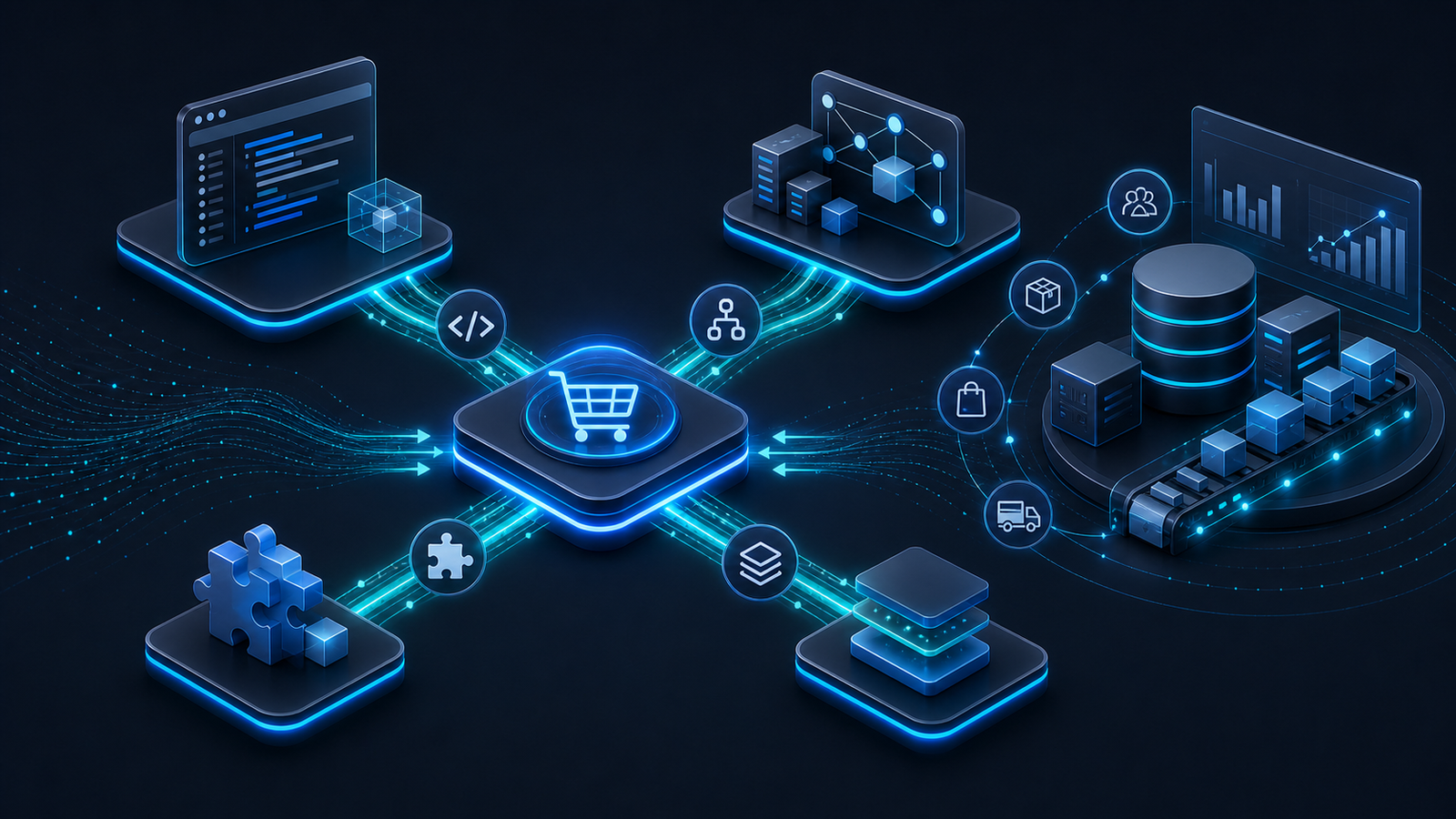
Many online retailers start with a relatively simple system landscape. Shopware acts as the sales channel, the ERP or inventory system manages products and stock levels, and many processes are still handled manually or semi-manually.
Why the right Shopware ERP integration matters more than ever
As the business grows, complexity increases. Multiple sales channels, marketplaces, PIM systems, CRM solutions, logistics providers, international shops, and individual business processes all create more data flows that need to stay consistent.
At that point, the question is no longer whether Shopware and ERP should be connected, but how this connection can be built reliably and maintained over time.
A professional Shopware ERP integration helps you:
- Synchronize inventory levels
- Transfer orders automatically
- Keep product data up to date
- Reduce sources of error
- Automate recurring processes
- Scale growth more reliably
Many companies then face the same decision: Shopware plugin, custom Shopware API integration, middleware, or Shopware Nexus. As so often in software architecture, the answer is: it depends.
The modern integration landscape in e-commerce
A few years ago, a typical Shopware interface often meant one direct connection between the shop and the ERP system. Today, the reality is usually more layered.
A growing merchant may work with Shopware, ERP, CRM, PIM, marketing tools, payment providers, shipping platforms, Amazon, eBay, and B2B portals at the same time.
Every additional application increases the number of possible data flows. The real challenge is therefore not just connecting two systems, but managing an entire system landscape in a way that remains understandable and stable.
In practice, this often means connecting Shopware with inventory management or ERP systems such as JTL-Wawi, Xentral, Microsoft Dynamics 365 Business Central, or SAP Business One. The decisive factor is not the system name, but how reliably product data, inventory, orders, customer data, and status information move between systems.
The four main approaches to Shopware ERP integration
In practice, four integration models are especially relevant:
- Shopware plugin
- Custom API integration
- Middleware
- Shopware Nexus
Each model solves a different problem and fits a different level of complexity.
Shopware plugin: the fast entry point
A Shopware plugin is often the simplest and fastest solution. Many ERP providers offer ready-made extensions that already cover common standard processes.
Plugins are especially useful for standardized workflows, known ERP systems, small to mid-sized shops, and projects with limited customization needs.
Advantages
- Fast implementation
- Lower initial investment
- Proven functionality
- Less custom development effort
Limitations
- Multiple systems need to be integrated
- Individual business processes are involved
- Data has to be transformed
- Complex business logic is required
A plugin can be an excellent solution as long as the requirements match the standard process the plugin was designed for.
Custom Shopware API integration
Shopware is built around modern APIs. This makes it possible to process almost all relevant data automatically and connect Shopware directly with an ERP system or other applications.
Advantages
- Maximum flexibility
- Precise mapping of individual processes
- High performance
- Full control over data flows
Disadvantages
- Higher development effort
- More responsibility for maintenance and further development
- Higher requirements for architecture and documentation
For example, if a manufacturer uses a custom-built ERP system and neither a plugin nor a standard connector exists, a tailored API integration can be the most stable long-term option.
Shopware middleware: the central orchestration layer
Middleware acts as an intermediary between different systems. Instead of connecting every application directly to every other application, all systems communicate through a central platform.
Typical examples include Alumio, Patchworks, Celigo, Make, n8n, or custom integration platforms.
Advantages
- Good scalability
- Central management of data flows
- Easy extension with additional systems
- Good transparency
Disadvantages
- Additional complexity
- Ongoing platform costs
- Dependency on another technology layer
Middleware is especially useful for companies with several systems and complex operational processes.
Shopware Nexus: the new integration layer in the Shopware ecosystem
Shopware Nexus follows a similar principle to modern integration platforms. Instead of building many point-to-point connections, data flows are orchestrated and managed centrally.
This can be particularly interesting for companies with multiple sales channels, complex commerce processes, international operations, and a fast-growing system landscape.
Important: Shopware Nexus is currently in Early Access. Its scope is limited and may change. Not every ERP connector, support model, or deployment scenario is available yet. For integration projects, Nexus should therefore be evaluated deliberately instead of being treated as a universal replacement for middleware or custom API development.
Advantages of Shopware Nexus
- Closer integration with the Shopware ecosystem
- Central management of data flows
- Good scalability
- Future-oriented architecture approach
Where are the limits?
Shopware Nexus does not automatically replace every middleware platform or every custom API integration. ERP capabilities, data models, business processes, and integration requirements still determine whether it is the right fit.
Shopware Nexus vs. classic middleware
At first glance, both approaches pursue similar goals: connecting systems, controlling data centrally, and automating processes. The difference often lies in their focus.
Classic middleware platforms were built specifically for integration scenarios and often support a large number of different systems. Shopware Nexus follows a more Shopware-centric approach and integrates more closely with the commerce platform.
API, middleware, plugin, or Shopware Nexus? The direct comparison
| Criterion | Plugin | API integration | Middleware | Shopware Nexus |
|---|---|---|---|---|
| Entry cost | low | medium to high | medium | medium |
| Flexibility | low to medium | very high | high | high |
| Scalability | limited | very high | high | high |
| Multiple systems | limited | possible, but quickly complex | very good | very good in a Shopware context |
| Customization | limited | very high | high | medium to high |
| Maintainability | good for standard processes | project-dependent | good with a clean platform setup | good, but consider Early Access status |
| Best choice when ... | a standard process fits | custom business logic is central | many systems need orchestration | Shopware-centric low-code workflows are the focus |
Which data should be synchronized?
- Product data: Products, variants, prices, categories, and images.
- Inventory levels: Current stock levels are essential for reliable sales processes.
- Orders: Automatic transfer reduces manual work and operational errors.
- Customer data: Consistent customer data improves service and downstream processes.
- Shipping information: Tracking data and status updates create transparency for customers and teams.
Common mistakes in integration projects
- Talking about technology too early: It is better to analyze business processes before choosing plugins, APIs, or platforms.
- Underestimating data quality: Even the best integration cannot compensate for poor master data.
- Only looking at current requirements: An integration should account for future growth and additional systems.
- Making architecture decisions purely based on cost: The cheapest solution is not always the most economical one over time.
What costs should you expect?
A serious cost estimate is almost impossible without a proper analysis. Plugin projects usually involve setup, configuration, and smaller adjustments. Custom API integrations depend heavily on data models, process logic, error handling, and monitoring. Middleware projects add ongoing platform costs, but can pay off when several systems need to be orchestrated reliably. Important factors include the ERP system, number of connected systems, data volume, security requirements, data quality, and long-term maintenance.
When custom development is the better choice
Custom development can make sense when processes create competitive advantages, standard solutions are not sufficient, proprietary systems are involved, or long-term scalability is critical.
The goal should not be maximum complexity. The goal should be a robust, maintainable architecture that supports the business instead of slowing it down.
Conclusion
There is no single best Shopware ERP integration. There is only the solution that best fits your processes, systems, and growth goals.
Plugins offer a fast entry point. Custom API integrations provide maximum flexibility. Middleware brings structure to complex system landscapes. Shopware Nexus adds another modern option for centrally orchestrating commerce processes.
Planning a Shopware ERP integration?
We support companies in the planning, development, and optimization of Shopware integrations, custom interfaces, middleware projects, and modern commerce architectures. Together, we develop a solution that is technically sound, economically viable, and maintainable in the long term.
FAQ
What is the best solution for a Shopware ERP integration?
It depends on your processes, your ERP system, and your growth goals. There is no universal solution.
When is a plugin enough?
When standard processes are used and a suitable plugin is available.
When is middleware worthwhile?
When multiple systems need to communicate and central control becomes important.
When does a custom API integration make sense?
When standard solutions are not enough or specific processes need to be implemented.
Which data should be synchronized between Shopware and ERP?
Products, inventory, orders, customer information, and shipping or status data.